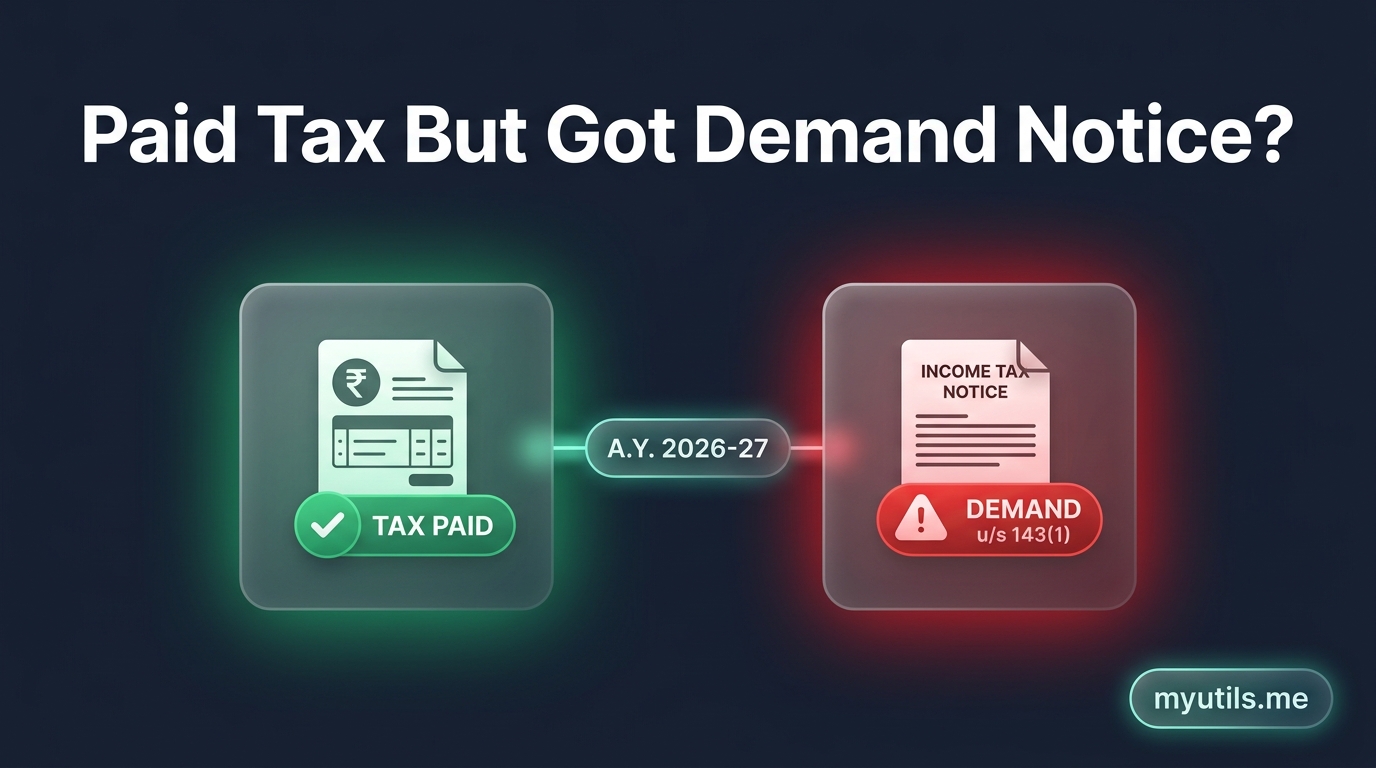

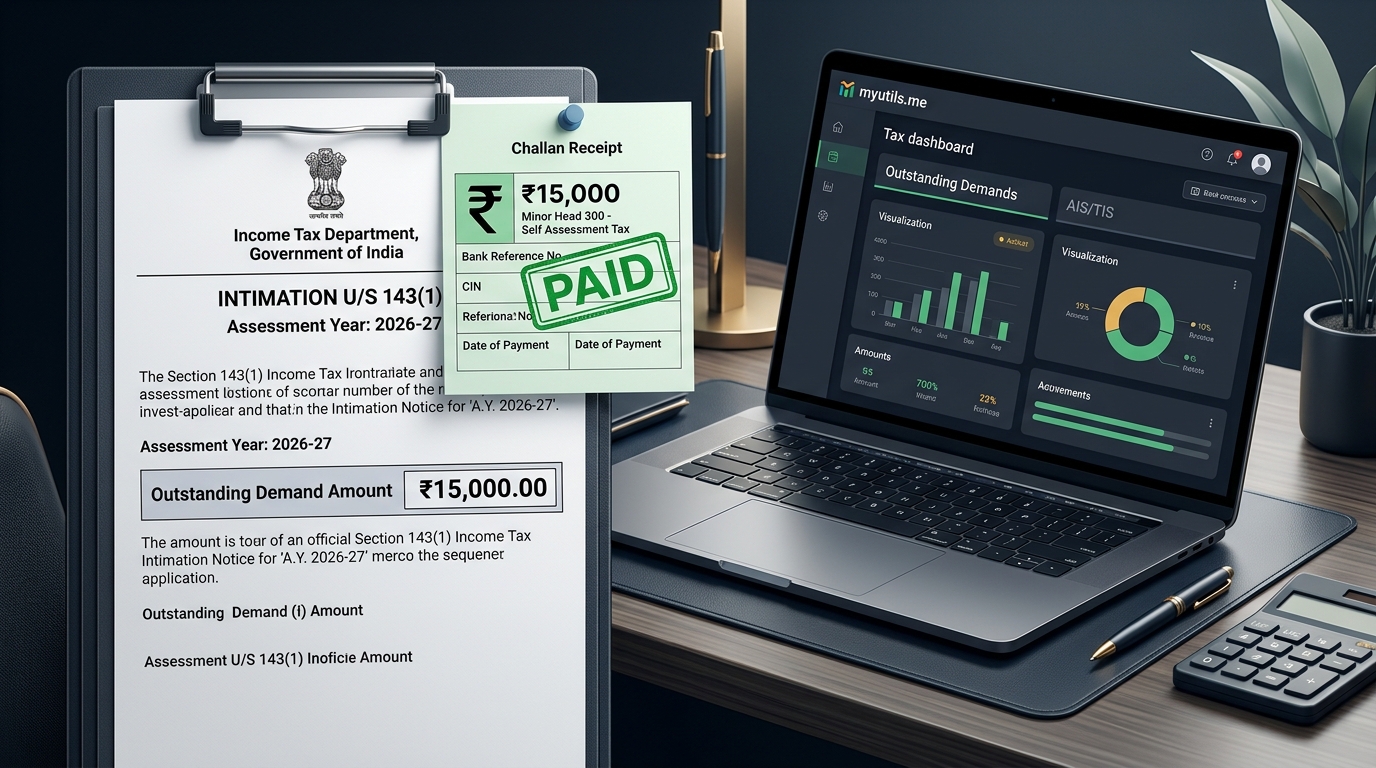
Few things cause more panic than receiving an intimation email from the Income Tax Department with an Outstanding Tax Demand Notice under Section 143(1) — especially when you calculated and paid every rupee of your tax before submitting your return.
If this happened to you, remember the golden rule: Do not pay the tax again.
Your money is safe in the Government treasury. This situation happens when a taxpayer deposits self-assessment tax online, but accidentally skips entering the payment challan details in Schedule IT of the Income Tax Return (ITR).
Many taxpayers assume they should file a Rectification request or simply contest the notice. This is a mistake. Because the omission occurred in the return you filed, filing a Revised ITR is mandatory.
In this guide, we break down why the Central Processing Centre (CPC) raised this demand, why rectification is the wrong approach, how to file your revised return step-by-step, and whether you even need to respond to the demand notice.
Why Did CPC Send a Demand Notice When Tax Was Already Paid?
When you file your ITR, CPC Bengaluru processes your return computationally based entirely on the schedules submitted in your return form:
- Schedule TDS 1 & TDS 2: For taxes deducted from salary, interest, or contract payments.
- Schedule TCS: For tax collected at source.
- Schedule IT (Tax Payments): For Advance Tax and Self-Assessment Tax paid by you via Challan 280 / e-Pay Tax.
The Root Cause: Even if your tax payment is credited into the Government treasury and visible on your PAN in Form 26AS or AIS, the automated processing algorithm cannot assume an unlisted payment belongs to that return.
Because Schedule IT in your filed ITR was left blank or showed ₹0:
- CPC registered that your calculated tax liability was unpaid.
- It raised a tax demand under Section 143(1)(a) for the entire unpaid amount.
- It added penal interest under Section 234B and Section 234C for non-payment.

Why Rectification (Section 154) Does NOT Work Here
When taxpayers receive a demand for already-paid tax, their immediate instinct is often to file a Rectification Request under Section 154.
This is legally and procedurally incorrect:
- Section 154 is for Department Errors: Rectification is meant solely to correct a "mistake apparent from the record" committed by the Assessing Officer or CPC (e.g. CPC ignored a challan that you had already listed in Schedule IT, or miscalculated TDS claimed in Schedule TDS).
- This Was a Taxpayer Omission: When you forgot to add the challan in Schedule IT, CPC's computation was 100% correct based on the return you submitted. The mistake was not on the record of the return.
If you file a Section 154 rectification without revising the return, CPC will either reject your request or sit on it indefinitely because the underlying return data does not contain the challan.
The Takeaway: Because the omission was on the taxpayer's end, you cannot rectify the return. You must revise the return.
The Correct & Mandatory Fix: File a Revised Return u/s 139(5)
The only valid legal remedy under the Income Tax Act to correct an error or omission in your original return is to file a Revised Return under Section 139(5).
How the Revised Return Resolves the Demand
- When you file a Revised ITR, you input the missing challan details into Schedule IT.
- Once submitted and e-verified, the revised return completely replaces and supersedes your original return.
- When CPC processes the revised return, it matches the newly entered challan against the OLTAS database.
- Because the tax was paid on or before the due date, CPC cancels the Section 234B/234C interest from the payment date, recomputes the tax liability to ₹0, and automatically wipes out the previous Section 143(1) demand.
What Is the Deadline to File a Revised Return?
Under Section 139(5), a revised return for any assessment year (e.g. Assessment Year 2026–27) can be filed:
- Up to 31st December of the Assessment Year (e.g. 31st December 2026 for AY 2026–27), or
- Before the completion of the assessment, whichever is earlier.
If you filed your original return on time (or even as a belated return u/s 139(4)), you are fully eligible to revise it.
Tired of Logging into the Tax Portal for Every Single PAN?
Track all your client and family ITR refund statuses, intimation notices, and AIS summaries from one clean, automated dashboard.
Step-by-Step: How to File Your Revised Return with the Paid Challan
Before you begin, gather the four key parameters from your paid Challan Receipt / Form 26AS:
- BSR Code (7 digits)
- Challan Serial Number (5 digits)
- Date of Deposit (DD/MM/YYYY)
- Amount Paid (under Minor Head 300 - Self-Assessment Tax)
Step 1: Log In to the e-Filing Portal
Visit incometax.gov.in and log in with your PAN and password.
Step 2: Start ITR Filing
Go to e-File > Income Tax Returns > File Income Tax Return.
- Select the relevant Assessment Year (e.g. AY 2026–27).
- Select the Filing Mode: Online.
- Select your filing status (Individual) and choose the appropriate ITR form (e.g. ITR-1 or ITR-2).
Step 3: Select "Revised Return u/s 139(5)"
Under the Filing Section dropdown:
- Select 139(5) - Revised Return.
- In the fields that appear, enter your Original Return Acknowledgement Number (15-digit number from your original ITR-V) and the Original Filing Date.
Step 4: Confirm All Original Income & Deduction Details (Critical)
Crucial Rule: A revised return is a fresh, complete return from scratch — it is not an amendment slip. The portal does not automatically carry over everything if you file online.
- You must ensure that all income schedules (Salary, House Property, Capital Gains, Other Sources) and all deductions (Section 80C, 80D, etc.) are fully filled in, matching your original return exactly.
- Verify Schedule TDS 1, TDS 2, and TCS to confirm that taxes deducted by your employer and bank are still claimed.
- If you only enter the challan and leave income or deductions blank, you will submit an incomplete return, which can trigger a defective return notice under Section 139(9) or cause you to lose your tax deductions.
Step 5: Open Schedule IT (Taxes Paid) & Enter Challan Details
Navigate to the Taxes Paid section:
- Scroll down to Self-Assessment / Advance Tax Payments (Schedule IT).
- Click Add Another (or Show Details).
- Enter the four details from your paid challan receipt:
- BSR Code: 7-digit code identifying the collecting bank branch.
- Challan Serial No: 5-digit number generated for the transaction.
- Date of Deposit: Exact date the funds were debited (DD/MM/YYYY).
- Tax Paid: Amount deposited under Minor Head 300.
Step 6: Recalculate & Verify Total Tax
Go to Part B-TTI (Computation of Tax Liability on Total Income):
- Verify that the amount paid in Schedule IT is now credited against your gross tax payable.
- The balance payable should now display as ₹0 (or show a refund if you overpaid).
Step 7: Submit & E-Verify Immediately
Preview your return, submit it, and immediately e-Verify via Aadhaar OTP, Net Banking, or Digital Signature (DSC).
Important: A revised return is legally invalid until it is e-verified. Always verify immediately upon submission within 30 days.

Do You Need to Respond to the Outstanding Demand?
A common question is: “Now that I filed my revised return, do I also have to submit a response under 'Response to Outstanding Demand'?”
The short answer: Responding to the demand is optional.
Why It Is Optional
Once CPC processes your revised return, the earlier assessment order is superseded. The demand drops to ₹0 automatically in the portal database without requiring manual officer intervention.
When You Might Want to Submit a Response Anyway
If you want an extra layer of protection while your revised return sits in the CPC processing queue (especially if the 30-day notice response window is closing), you can optionally submit a response:
- Go to Pending Actions > Response to Outstanding Demand.
- Click Submit Response next to the relevant demand.
- Select "Disagree with demand (in full or part)".
- Select Reason: "Others" or "Revised return filed".
- In the remarks box, write: > "Self-assessment tax of ₹XX,XXX was duly paid on DD/MM/YYYY via Challan No. XXXXX prior to filing. As the challan details were omitted in the original ITR, a Revised Return u/s 139(5) has been filed on DD/MM/YYYY with Acknowledgement No. XXXXXXXXXXXXXXX. Kindly adjust the demand upon processing of the revised return."
- Upload your paid challan receipt and revised ITR acknowledgement as supporting proof, and click Submit.
This places a temporary hold flag on the demand record while the revised return is processed, preventing automated collection reminders.
What If the 31st December Revision Deadline Has Already Passed?
If you discovered the demand notice after 31st December of the assessment year, the standard revision window under Section 139(5) is closed. Here is what you should know about your remaining options:
- Why ITR-U (Section 139(8A)) Does NOT Help Here While the time limit for filing an Updated Return (ITR-U) is now 4 years (48 months) from the end of the relevant assessment year, the statute explicitly bars filing an ITR-U if it reduces your total tax liability or claims a refund. Because claiming the omitted challan would decrease the assessed tax demand, the portal will reject an ITR-U for this purpose.
- Why Section 119(2)(b) Condonation Does NOT Apply Applications under Section 119(2)(b) (governed by CBDT Circular 11/2024) are statutory relief mechanisms strictly meant for admitting delayed claims for refunds or carrying forward losses in belated returns. They cannot be used to condone a delayed revised return to adjust self-assessment tax against a demand.
- The Practical Solution: Apply for Rectification Directly with Your Jurisdictional AO (JAO) While CPC Bengaluru's automated processing system cannot grant credit for an unlisted challan, your Jurisdictional Assessing Officer (JAO) has statutory authority under Section 154 to rectify an assessment based on official government records: - Submit a written rectification application under Section 154 to your JAO (online via e-Proceedings or offline). - Attach your original ITR-V, paid Challan counterfoil (showing BSR code, Challan CIN, and date), and Form 26AS/AIS showing the tax credit in OLTAS. - The JAO can verify the government treasury scroll in the ITBA portal and pass an order giving manual credit for taxes paid prior to filing, setting the demand to ₹0.
- Escalation via e-Nivaran, CPGRAMS, or CIT (Appeals) If the Assessing Officer delays granting credit, file a grievance on the portal through e-Nivaran or CPGRAMS. Under Article 265 of the Constitution of India, no tax can be collected without the authority of law; since your tax was already deposited in the Government treasury, the Department cannot demand it twice. You can also file a statutory appeal before the CIT (Appeals) under Section 246A.
Critical Mistakes to Avoid
- ❌ Do Not Pay the Tax Twice: Never click "Pay Now" on the demand screen to make it go away. Getting a refund for duplicate self-assessment tax requires months of administrative paperwork.
- ❌ Do Not File a Section 154 Rectification First: CPC's rectification portal will reject it because the original return does not contain the challan.
- ❌ Do Not Forget to E-Verify the Revised Return: An unverified revised return is legally void. If unverified within 30 days, your original return with the unpaid demand remains active.
- ❌ Check the Assessment Year on Your Challan: Ensure the challan reflects the correct Assessment Year (e.g. AY 2026–27 for income earned in FY 2025–26). If you accidentally picked the wrong year, submit a Challan Correction Request under Services > Challan Correction on the portal.
Track Demand Resolution in myutils.me
Instead of repeatedly checking the e-Filing portal, you can monitor the entire resolution lifecycle directly inside myutils.me:
- Consolidated Demands Dashboard: View outstanding demand amounts, DINs, and current status across all your personal and client PAN profiles.
- Automatic Status Tracking: Once CPC finishes processing your revised return, click Sync in myutils.me to verify that the demand has officially dropped to ₹0.
- AIS/TIS & Form 26AS Verification: Instantly inspect recorded tax deposits to ensure your challan is reflected before revising your return.

myutils.me
Official editorial and compliance research team at myutils.me, building automated tools for income tax return tracking, AIS/TIS reconciliation, and direct tax workflows.