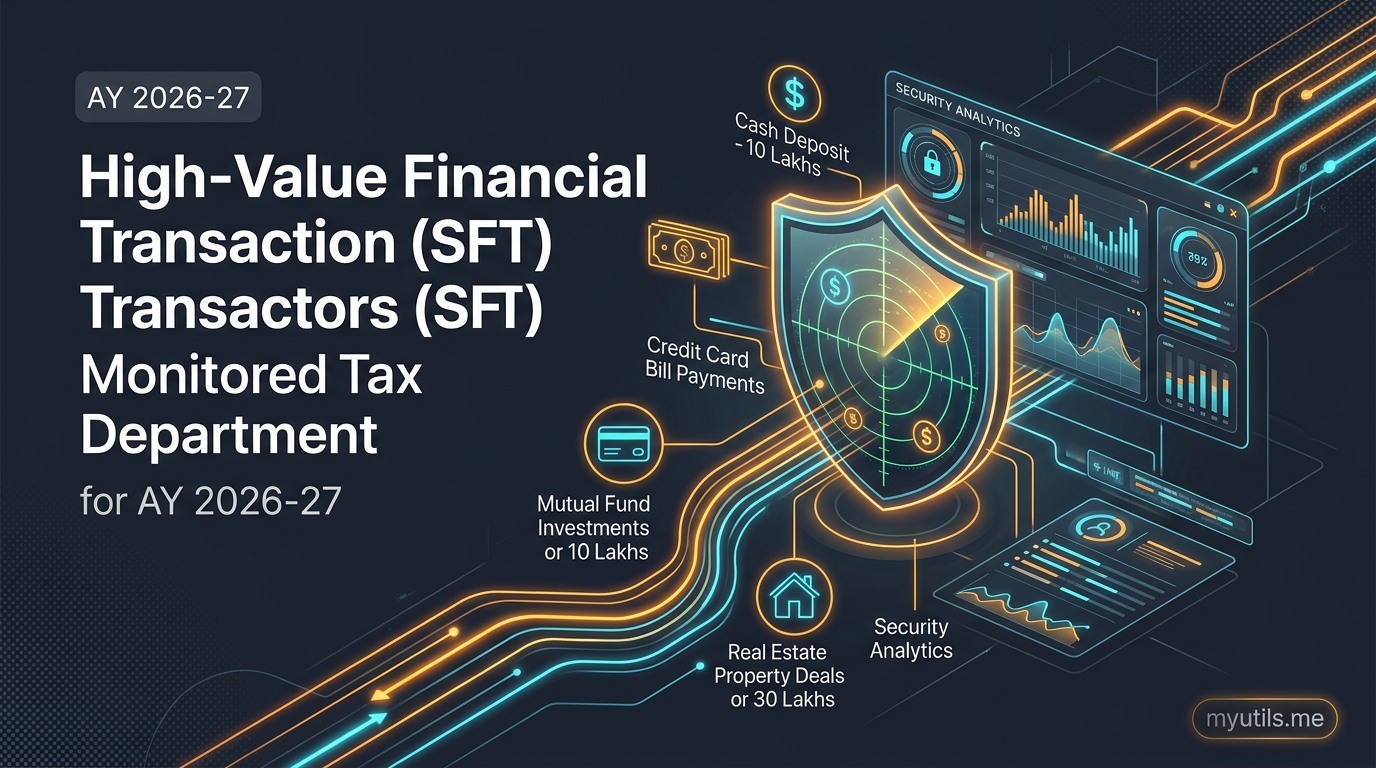

The Annual Information Statement (AIS) is arguably the most powerful tool the Income Tax Department uses to track your financial footprint. Governed by Section 285BB and Rule 114-I, the AIS aggregates data from banks, mutual fund registrar transfer agents (RTAs), stock depositories, sub-registrars, and employers.
However, the AIS is far from flawless.
Every tax season, thousands of Indian taxpayers log in to find glaring errors in their AIS:
- Duplicate stock trades: Both your broker and the depository (CDSL/NSDL) reported the exact same share sale.
- Joint accounts: 100% of the interest from a joint fixed deposit is assigned to your PAN, even though your spouse contributed 50% of the capital.
- Phantom transactions: Credit card transactions, dividends, or purchase agreements belonging to an unrelated entity mistakenly tied to your PAN.
If you simply ignore these errors when filing your Income Tax Return, CPC’s automated risk assessment algorithms will flag an income under-reporting mismatch.
Thankfully, the portal provides a built-in mechanism to contest inaccuracies: AIS Feedback. Here is a complete, step-by-step guide on how to submit feedback and correct your Taxpayer Information Summary (TIS) for Assessment Year 2026-27.

Why Submitting AIS Feedback Is Essential
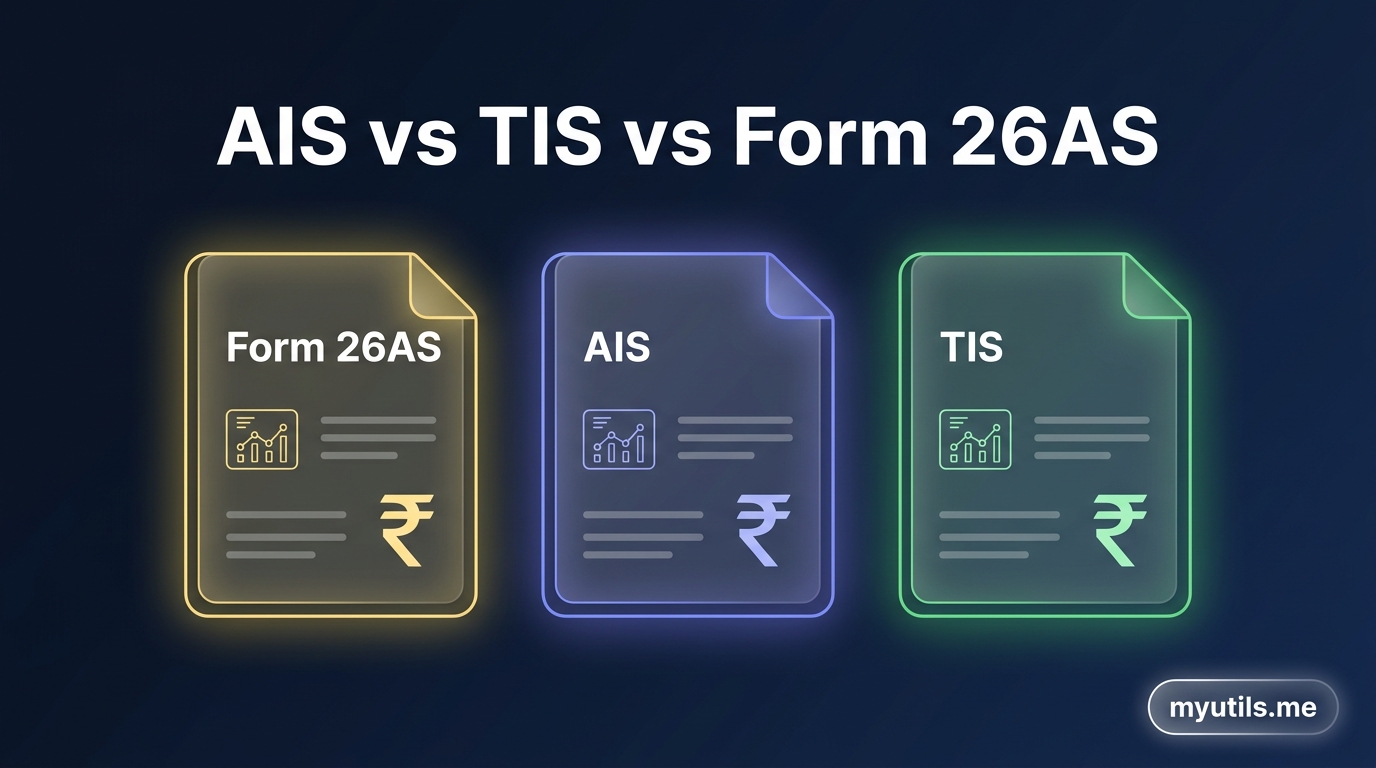
When you view your tax portal, you will see two interrelated documents:
- AIS (Annual Information Statement): Contains raw transaction data submitted by third-party reporting entities.
- TIS (Taxpayer Information Summary): Condenses and categorizes AIS data into pre-fill values used for your ITR.
The TIS maintains two critical figures for every financial line item:
- Reported Value: What the bank, broker, or deductor originally reported.
- Processed / Derived Value: The adjusted figure after taking your feedback into account.
| Stage | Source / Input | Action / Purpose |
|---|---|---|
| 1. Reporting Entity Data | Banks, brokers, RTAs, sub-registrars | Original financial transactions reported under SFT, TDS, or TCS. |
| 2. Taxpayer AIS Feedback | Taxpayer electronic submission | Mark entries as Correct, Denied, Duplicate, or Relates to Other PAN. |
| 3. Recalculated TIS Value | Department compliance system | Derived Value updates automatically to populate your pre-filled ITR. |
The Big Advantage: When you submit valid feedback on the AIS portal, the Derived Value in your TIS automatically updates. When you file your ITR declaring the revised amount, CPC treats your return as compliant, significantly reducing the probability of receiving an automated mismatch notice under Section 143(1)(a) or Section 139(9).

The 5 AIS Feedback Options Explained
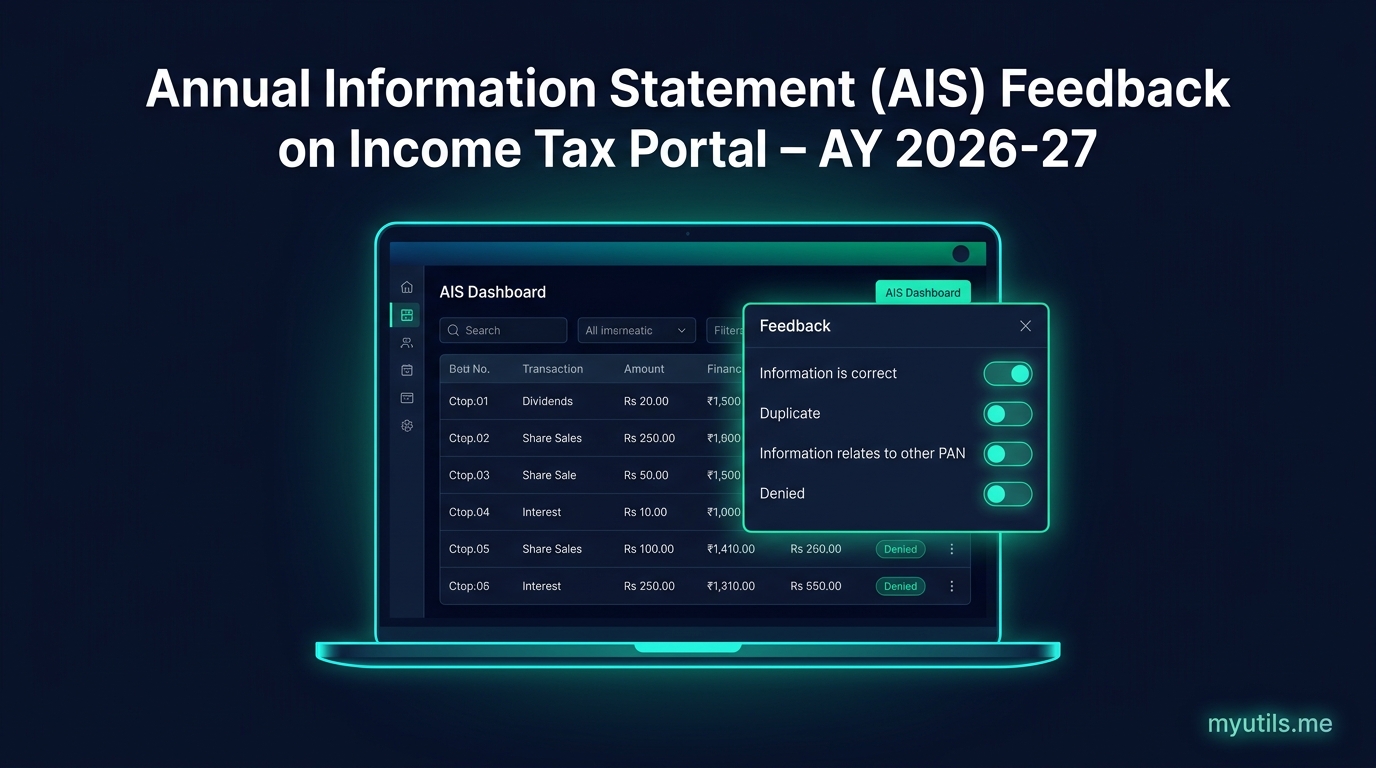
When you click on any specific transaction inside the AIS dashboard, you can choose from five feedback options:
1. "Information is correct"
- When to select: You have verified the transaction against your bank statement, contract note, or dividend slip, and the figure matches reality.
- Result: No change; confirms the reported value as the derived value.
2. "Information is not fully correct"
- When to select: You recognize the transaction, but the reported amount, date, or category is inaccurate.
- Example: A bank reports ₹80,000 savings interest, but your actual bank statement proves interest was ₹52,000.
- Action: The portal allows you to input the actual correct value and provide brief remarks explaining the delta.
3. "Information relates to other PAN / Year"
- When to select:
- The transaction belongs to another individual (common with family joint accounts or corporate bank cards).
- The transaction belongs to a different Assessment Year (e.g., advance interest credited in April but accrued in March).
- Action: Enter the other person’s PAN or select the correct financial year.
4. "Information is duplicate / included in other information"
- When to select: The most common issue with equity trading. For instance, an off-market share transfer or mutual fund switch is reported under code
SFT-017and also under codeB-02 (Sale of Securities). - Action: Select this option to nullify the duplicated entry so you aren't taxed twice on the same capital gain.
5. "Information is denied"
- When to select: You have never had an account with that institution, never made the purchase, and have zero connection to the reported transaction (identity mismatch or reporting entity error).
- Result: Sets the derived value for that item to ₹0 in your TIS.
Tired of Logging into the Tax Portal for Every Single PAN?
Track all your client and family ITR refund statuses, intimation notices, and AIS summaries from one clean, automated dashboard.
Step-by-Step Walkthrough: How to Submit Feedback
Follow these steps to submit feedback directly on the government portal:
Step 1: Access the AIS Portal
- Log in to incometax.gov.in with your PAN and password.
- In the top navigation bar, click Services > Annual Information Statement (AIS).
- A pop-up will notify you that you are being redirected to the standalone compliance portal. Click Proceed.
Step 2: Open Part B (Detailed Information)
- On the AIS dashboard homepage, click the AIS tile (next to the Instructions tile).
- Select the relevant Financial Year (e.g. FY 2025-26 for AY 2026-27).
- You will see two parts: - Part A: General PAN and personal details. - Part B: Transaction data divided into tabs: TDS/TCS Information, SFT Information, Payment of Taxes, Demand and Refund, and Other Information.
Step 3: Locate the Problematic Transaction
- Click into the relevant category tab (e.g., SFT Information for interest/stocks or Other Information for dividends and mutual fund switches).
- Expand the specific entity row (e.g., your bank or broker name).
- Look for the individual transaction line that contains the error.
Step 4: Click the "Feedback" Button
- At the far right of the transaction line, click the Optional / Active Feedback icon.
- A sliding modal panel will open displaying the transaction details, Source Name, Amount, and Date.
- Under the Feedback Type dropdown, choose the appropriate option: - Information is correct - Information is not fully correct - Information relates to other PAN - Information is duplicate - Information is denied
- Enter the corrected amount or explanatory comments if prompted.
- Click Submit.
Step 5: Verify the Updated TIS
- Once submitted, return to the TIS (Taxpayer Information Summary) tab.
- You will notice that the Processed / Derived Value column has updated to reflect your feedback.
- You can download the AIS Feedback Acknowledgement PDF for your legal audit records.

What Happens Behind the Scenes After You Submit?
Submitting feedback initiates an automated verification workflow:
- Automated Notification to Reporting Entity: The Income Tax Department forwards your feedback electronically to the bank, registrar, or stockbroker that filed the initial SFT return.
- Reconciliation by the Entity: The reporting entity is given an opportunity to either confirm their original data or upload a corrected SFT correction statement.
- Legal Protection for the Taxpayer: Even if the reporting entity is slow to respond, your submitted feedback serves as prima facie evidence that you acted in good faith before filing your ITR. If an inquiry is ever raised under Section 142(1), you can quote the exact AIS Feedback Acknowledgment Number.
Best Practices for Error-Free Filing
- Download AIS in JSON / Excel Early: Do not wait until the final week before the July 31 deadline to inspect your AIS. Reporting entities often finalize SFT data between May 15 and June 15.
- Maintain Paper Trails: If you deny a bank interest entry or report a 50% split on a joint property, preserve the bank passbook copies, sale deeds, or gift deeds proving fund origins.
- Track Across Family / Client Portfolios: For tax professionals handling dozens of client files, inspecting each AIS entry manually on the government portal takes hours. Using aggregation platforms like myutils.me allows you to pull and cross-verify AIS records across multiple PANs simultaneously from a single unified view.

myutils.me
Tax Compliance Research Team
Official editorial and compliance research team at myutils.me, building automated tools for income tax return tracking, AIS/TIS reconciliation, and direct tax workflows.