
Receiving an email or SMS from the Income Tax Department with the subject "Notice under Section 139(9) of the Income Tax Act, 1961" is one of the most common causes of panic among taxpayers, freelancers, and small business owners.
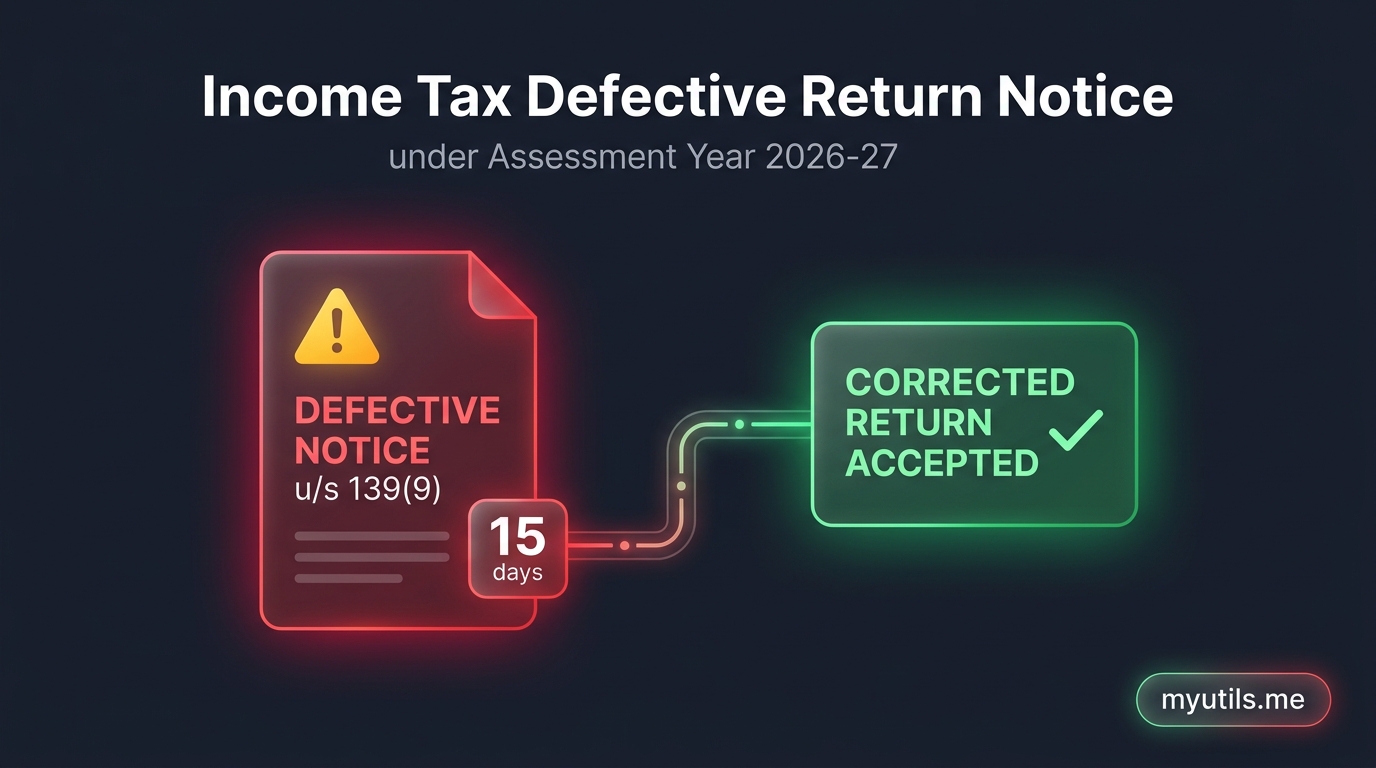
A notice under Section 139(9) indicates that the Centralized Processing Centre (CPC) has found your filed Income Tax Return (ITR) to be defective or incomplete.
Crucially, you have a strict statutory window of 15 days to resolve this defect. If you ignore or miss this deadline, the department treats your return as invalid—meaning, legally, you never filed your tax return at all.
In this guide, we break down the most frequent causes of a defective return in Assessment Year 2026-27, what each defect code means, and provide a step-by-step walkthrough on how to rectify the error on the official e-Filing portal.

What Exactly Is a Defective Return Under Section 139(9)?
When you file an ITR, CPC runs automated validation algorithms against your disclosure schedules, Form 26AS, and the Annual Information Statement (AIS). If your return contains mathematical discrepancies, missing mandatory schedules, or unaligned income and tax credits, CPC pauses processing and issues a notice under Section 139(9).
The notice specifies:
- The Defect Description and internal Error Code.
- The Probable Resolution recommended by CPC.
- The Due Date to respond (usually 15 days from the communication date).
Important: A Section 139(9) notice is not a tax scrutiny notice or penalty demand. It is an official opportunity provided by law to fix filing errors without paying a penalty, provided you respond within the prescribed timeline.
What Happens If You Do Not Respond Within 15 Days?
If you do not submit a response or seek an official extension within 15 days of receiving the notice:
- The Return Becomes Invalid: CPC treats the return as invalid under Section 139(9). Legally, it is deemed that no return was filed for that Assessment Year.
- Late Filing Fees u/s 234F: You will be forced to file a Belated Return (if still within the deadline), attracting late filing fees up to ₹5,000 (or ₹1,000 if total income is below ₹5 Lakh).
- Loss of Carry-Forward Losses: Any business losses, speculative losses, or short/long-term capital losses reported in that return cannot be carried forward to future years.
- Penal Interest Accrual: Penal interest under Section 234A (for delayed filing) and Section 234B/234C continues to accumulate on any unpaid tax balance.
- Withheld Tax Refunds: Any tax refund claimed in the return will be completely frozen until the defect is acknowledged and cured.

Top 6 Reasons for Section 139(9) Notices in AY 2026-27
Most Section 139(9) notices stem from routine oversight or mismatches with automated data feeds. Here are the most frequent triggers:
1. TDS Claimed Without Declaring Corresponding Income
- The Trigger: You claimed tax deducted at source (TDS) in Schedule TDS (e.g. from bank interest, consultancy fees, or client contracts), but you failed to show the corresponding gross income under Schedule OS (Other Sources) or Schedule BP (Business/Profession).
- CPC Logic: The department operates on the matching principle: you cannot claim credit for tax paid on income that was never brought to charge in the return.
2. Turnover / Gross Receipts Mismatch with Form 26AS or AIS
- The Trigger: Form 26AS or your AIS reflects gross professional fees of ₹18,00,000, but your Schedule BP reports gross turnover of only ₹12,00,000 without explanation.
- CPC Logic: CPC flags any substantial variance between third-party reported receipts and declared receipts as a structural defect.
3. Missing Balance Sheet Details in Presumptive Schemes (44AD / 44ADA)
- The Trigger: You filed ITR-4 opting for presumptive taxation under Section 44AD or Section 44ADA, but left the financial summary fields completely blank.
- CPC Logic: While presumptive taxpayers are exempt from maintaining formal books of accounts under Section 44AA, ITR-4 mandates reporting four key balance sheet numbers as of March 31:
- Sundry Debtors
- Sundry Creditors
- Stock-in-Trade
- Cash Balance
4. Books of Accounts Maintained, but Financial Statements Omitted
- The Trigger: You selected "Yes" to maintaining books of accounts in ITR-3 or ITR-5, but did not populate the Trading Account, Profit & Loss Account, or Balance Sheet schedules.
- CPC Logic: Selecting account maintenance legally requires providing complete financial disclosures.
5. Audit Report u/s 44AB Applicable But Not Filed
- The Trigger: Your business turnover exceeded statutory thresholds (e.g., ₹1 Crore for businesses with cash receipts > 5%, ₹10 Crore with ≥ 95% digital transactions, or declaring profits below presumptive limits), but Form 3CA-3CD / 3CB-3CD was not uploaded by a Chartered Accountant prior to return filing.
6. Tax Liability Paid After Filing Return
- The Trigger: You computed self-assessment tax due in your ITR, submitted the return without payment, and paid the challan a few days later without revising the return.
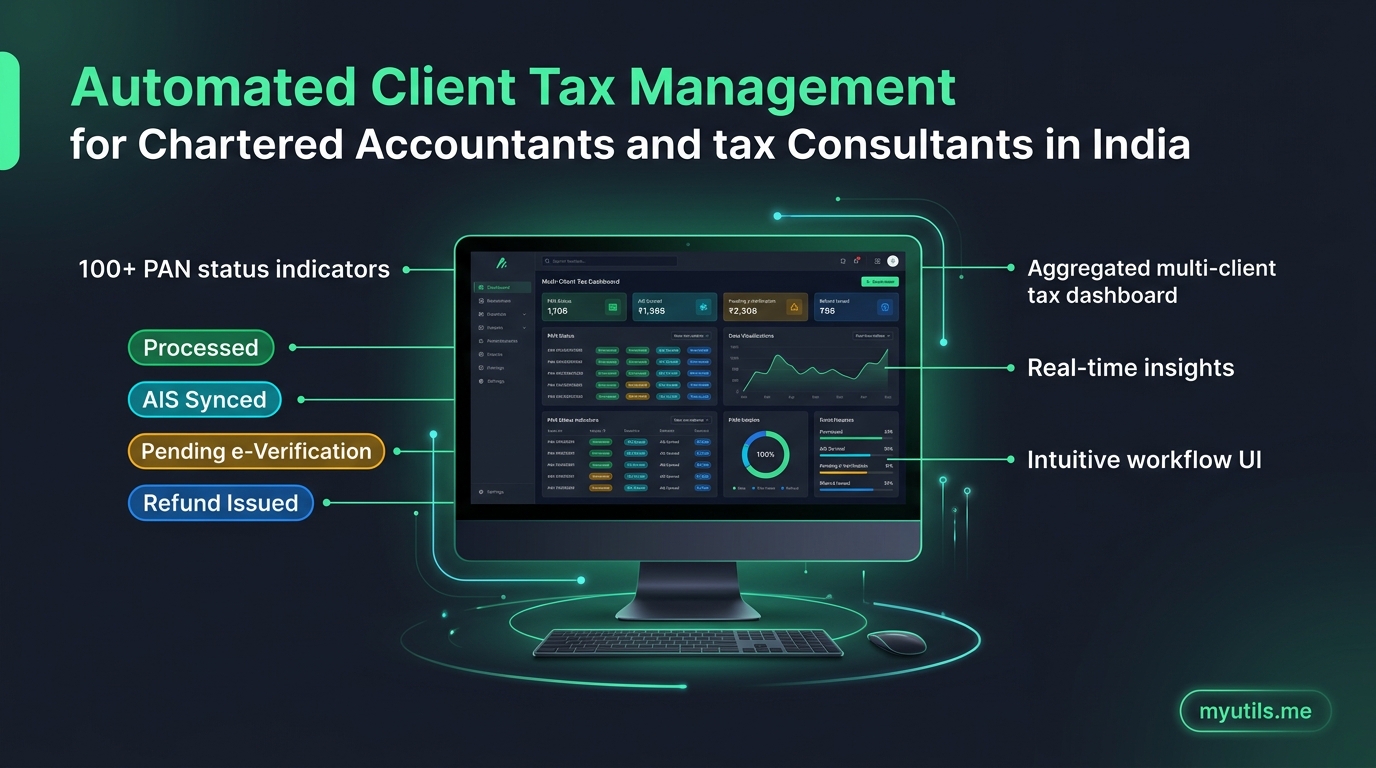
Tired of Logging into the Tax Portal for Every Single PAN?
Track all your client and family ITR refund statuses, intimation notices, and AIS summaries from one clean, automated dashboard.
Step-by-Step Guide: How to Respond to Notice u/s 139(9) Online
All defective return responses are handled electronically through the Income Tax e-Filing portal. You do not need to visit an assessing officer.
Step 1: Access e-Proceedings on the Portal
- Navigate to incometax.gov.in and log in with your PAN and password.
- In the top navigation bar, go to Pending Actions > e-Proceedings.
- Under the active proceedings list, locate Defective Notice u/s 139(9) for Assessment Year 2026-27.
Step 2: Download and Review the Notice
- Click View Notices.
- Download the official PDF notice. Check the Defect Description and the corresponding Error Code.
- Note the response expiry date displayed on your dashboard.
Step 3: Choose "Agree" or "Disagree"
| Portal Option | Scenario | Required Action |
|---|---|---|
| Agree (Recommended in most cases) | You accept that the return contains arithmetic errors, omitted income, or missing schedules. | Rectify the discrepancy, generate a corrected return (JSON/utility), and upload it on e-Proceedings within 15 days. |
| Disagree | The defect was raised by CPC in error (e.g. data already declared or tax-exempt transfers). | Provide a detailed, clause-by-clause legal justification in the portal text box and attach supporting PDF proofs. |
If You Select "Agree" (Most Common)
- Prepare a fresh, corrected JSON file or complete the online return form addressing the specific error identified by CPC.
- If filing through offline utility or tax software, select return filed in response to notice u/s 139(9), enter the Notice Date and Unique Notice Number (DIN) found on the notice.
- Upload the corrected JSON file on the e-Proceedings screen.
If You Select "Disagree"
- If CPC raised a defect in error (e.g., claiming a mismatch on non-taxable agricultural receipts or double-reported AIS data), select Disagree.
- A text box will appear requiring you to provide a detailed, clause-by-clause legal and factual justification.
- Attach supporting documentary proof (such as reconciliation statements, TDS certificates, or bank statements) in PDF format.
Step 4: e-Verify the Response
Once uploaded, you must e-verify your response immediately using:
- Aadhaar OTP (mobile registered with Aadhaar).
- Net Banking credentials.
- Digital Signature Certificate (DSC) — mandatory for companies and tax-audit cases.
Once successfully e-verified, the status will change to "Response Submitted Successfully", and CPC will reprocess your return without treating it as invalid.

Common Defect Codes and Recommended Fixes
| Defect Code | Description | Corrective Action |
|---|---|---|
| Error Code 8 | Gross receipts in 26AS/AIS higher than declared in return | Reconcile turnover; declare omitted receipts or explain non-taxable differences |
| Error Code 14 | TDS claimed in Schedule TDS but gross income missing in ITR | Add the corresponding income under Schedule Other Sources or Business |
| Error Code 31 | Presumptive scheme selected but balance sheet fields left blank | Fill in debtors, creditors, cash balance, and stock as of March 31 |
| Error Code 38 | Tax audit report required u/s 44AB but not furnished | Have your CA upload Form 3CA/3CB-3CD before resubmitting response |
| Error Code 84 | Mismatch in Self-Assessment Tax challan details | Re-enter correct BSR code, challan date, challan serial number, and amount |
How to Request an Adjournment / Extension of Time
If you need more time to reconcile complex accounts, collect TDS certificates, or consult your Chartered Accountant:
- Under Pending Actions > e-Proceedings, select the 139(9) notice.
- Click Seek Adjournment / Extension.
- Select the number of days requested (typically up to 15–30 days) and specify a valid reason (e.g., "Awaiting revised TDS certificate from deductor" or "Audited statements under finalization").
- Submit the adjournment request. The Assessing Officer will review and update the response due date online.
Key Takeaways
- 15 Days Is Strict: Do not leave defective return notices unattended; missing the deadline renders your return completely void.
- Always Check AIS First: Most defects in AY 2026-27 are triggered by automated cross-matching between your ITR and AIS data.
- Quoting DIN Is Mandatory: When generating the corrected JSON utility file, ensure the Notice Number and Notice Date are filled in correctly.
- Use Multi-PAN Monitoring: If you manage tax filings for family members or clients, automated dashboard tools like myutils.me track notice arrivals in real time so you never miss a 15-day deadline.

myutils.me
Tax Compliance Research Team
Official editorial and compliance research team at myutils.me, building automated tools for income tax return tracking, AIS/TIS reconciliation, and direct tax workflows.