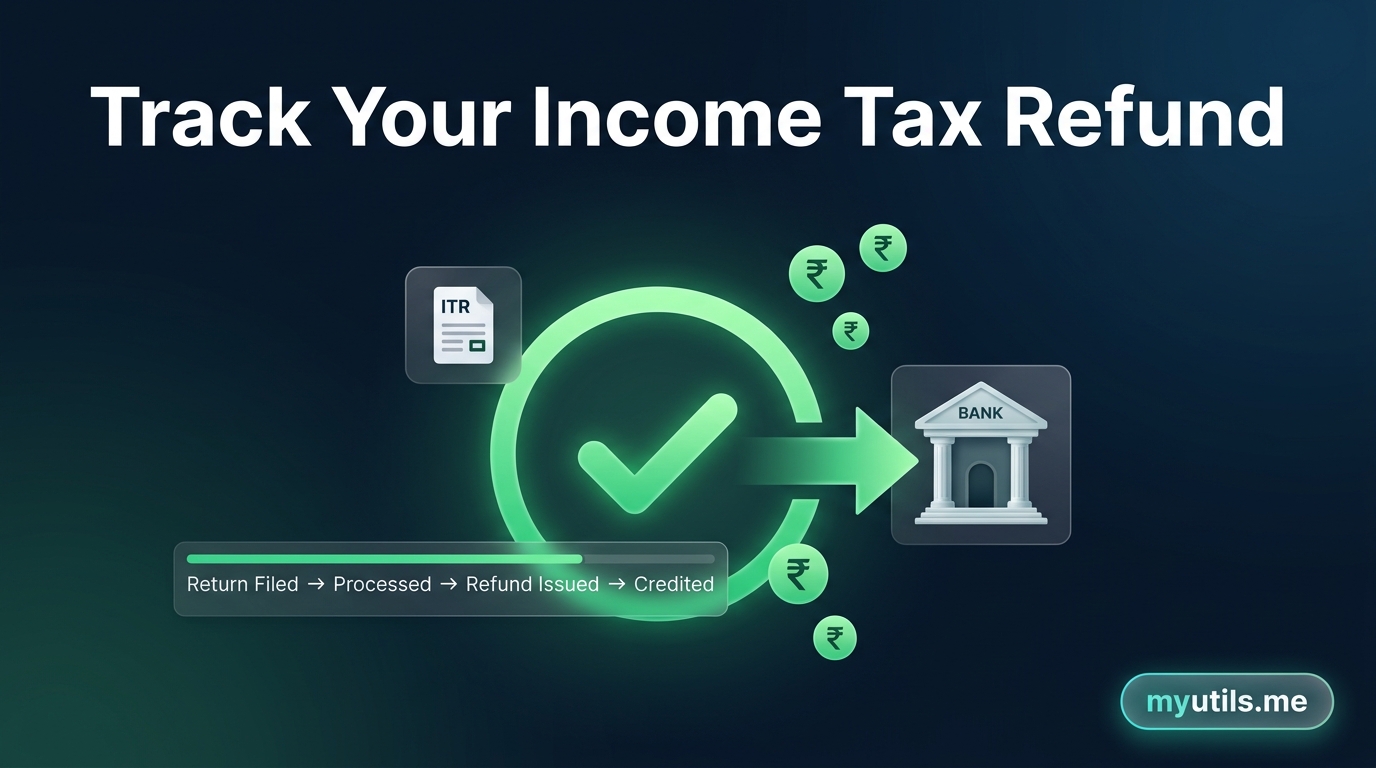

Filing your Income Tax Return (ITR) on time is only half the journey. If you computed a refund, monitoring its processing status ensures that your money is credited directly to your bank account without delays.
In this guide, we walk you through the primary ways to check your ITR refund status online, explain standard processing stages, decode Section 143(1) notices, and show what to do if your refund is delayed.

Method 1: Track Refund Status in myutils.me (Instant Multi-PAN Sync)
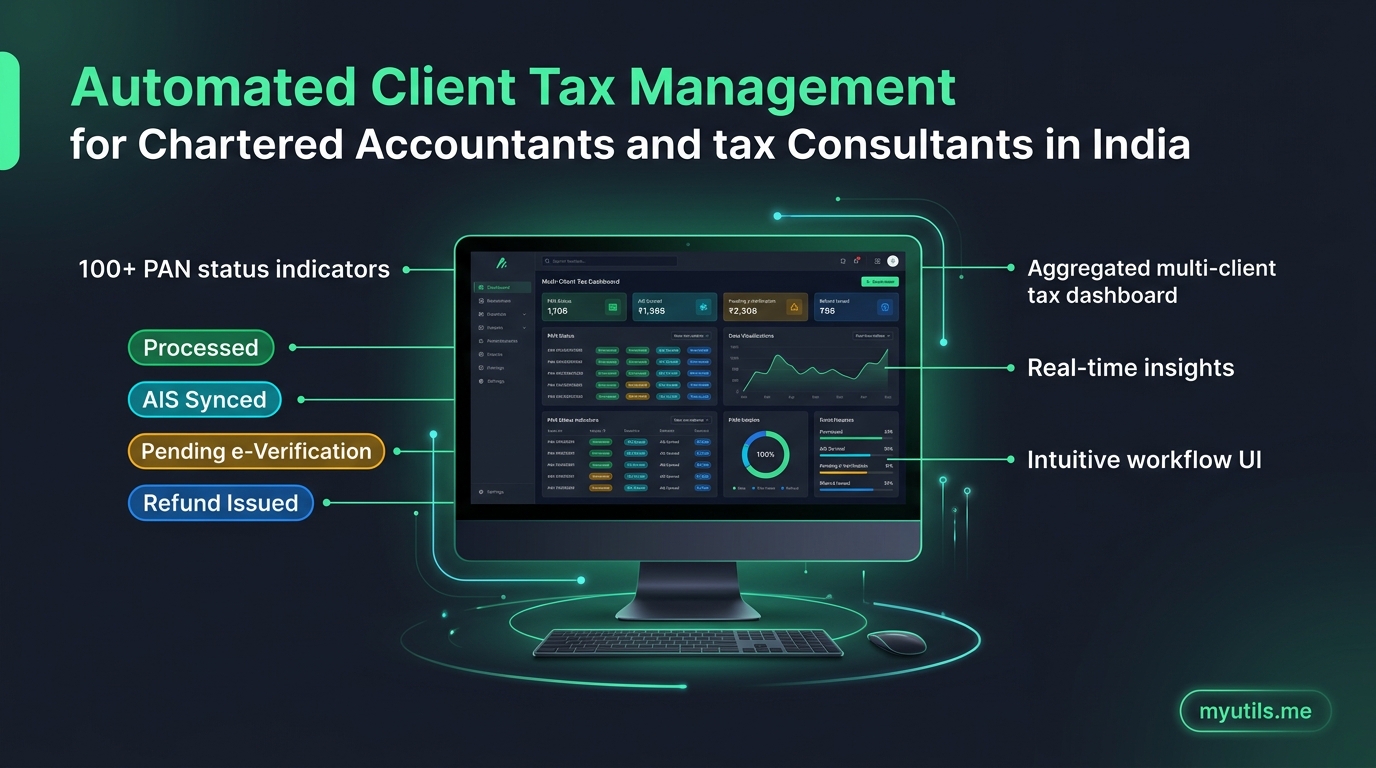
If you manage tax returns for multiple clients or family members, checking them one by one on the official portal with captchas takes hours. With myutils.me, you can track everything in one unified dashboard.
Steps to Check in myutils.me
- Log in to myutils.me: Visit www.myutils.me and log in to access your dashboard.
- Add Profiles: Click Add Profile (or click Upload to import an Excel / CSV list of PANs). Newly added profiles sync automatically in the background.
- Check Dashboard Overview: View instant filing and refund statuses directly across all your profiles in the dashboard table. To refresh an existing profile with the latest updates from the portal, click Sync (or Sync All).
- Open Profile Details: Click on any client profile to access detailed tabs: - ITR Filings Tab: View filed return forms, processing timeline, Section 143(1) intimation dates, and download ITR-V / intimation orders. - Refunds Tab: Check exact refund amounts, payment mode, clearance date, and bank transaction reference numbers (UTR). - AIS / TIS Tab: Inspect reconciled financial transactions and tax deductions.
Tired of Logging into the Tax Portal for Every Single PAN?
Track all your client and family ITR refund statuses, intimation notices, and AIS summaries from one clean, automated dashboard.
Method 2: Tracking via the Income Tax e-Filing Portal
You can also check the return status directly on the official Income Tax e-Filing Portal.
Steps to Check on the e-Filing Portal
- Log in: Go to the Income Tax e-Filing Portal and log in with your PAN (User ID) and e-Filing password.
- Go to Filed Returns: Navigate to e-File > Income Tax Returns > View Filed Returns.
- Select Assessment Year: Locate the return for the relevant Assessment Year (e.g. AY 2025–26 for FY 2024–25).
- Check Status: Review the lifecycle progress bar (Filed > Verified > Processing > Processed).
- View Refund Details: Click View Details to see the refund amount, clearance date, and UTR reference number.

Method 3: Tracking via the TIN-NSDL Portal
If you do not have portal credentials or want a quick check without logging in, use the TIN-NSDL (Protean) refund portal.
Steps to Check via TIN NSDL
- Visit the TIN-NSDL Refund Tracking Portal.
- Enter your PAN.
- Select the Assessment Year from the dropdown.
- Enter the Captcha and click Submit.
- The screen displays whether CPC has dispatched the refund to your bank.
Understanding Common ITR Refund Status Messages
Here is what common status messages mean and what action to take:
| Status Message | Meaning & Action |
|---|---|
| Return Submitted and Verified | ITR is e-verified and queued at CPC for automated processing. No action needed. |
| Processed with Refund Determined | CPC approved your refund. It will be credited to your bank account shortly. |
| Refund Paid / Credited | Refund is sent to your bank. Check your statement using the UTR number. |
| Refund Unpaid / Failed | Refund failed due to incorrect IFSC or unvalidated bank account. Submit a Refund Reissue Request. |
| Processed with Demand Determined | Tax department found additional tax liability. Review your Section 143(1) intimation notice. |
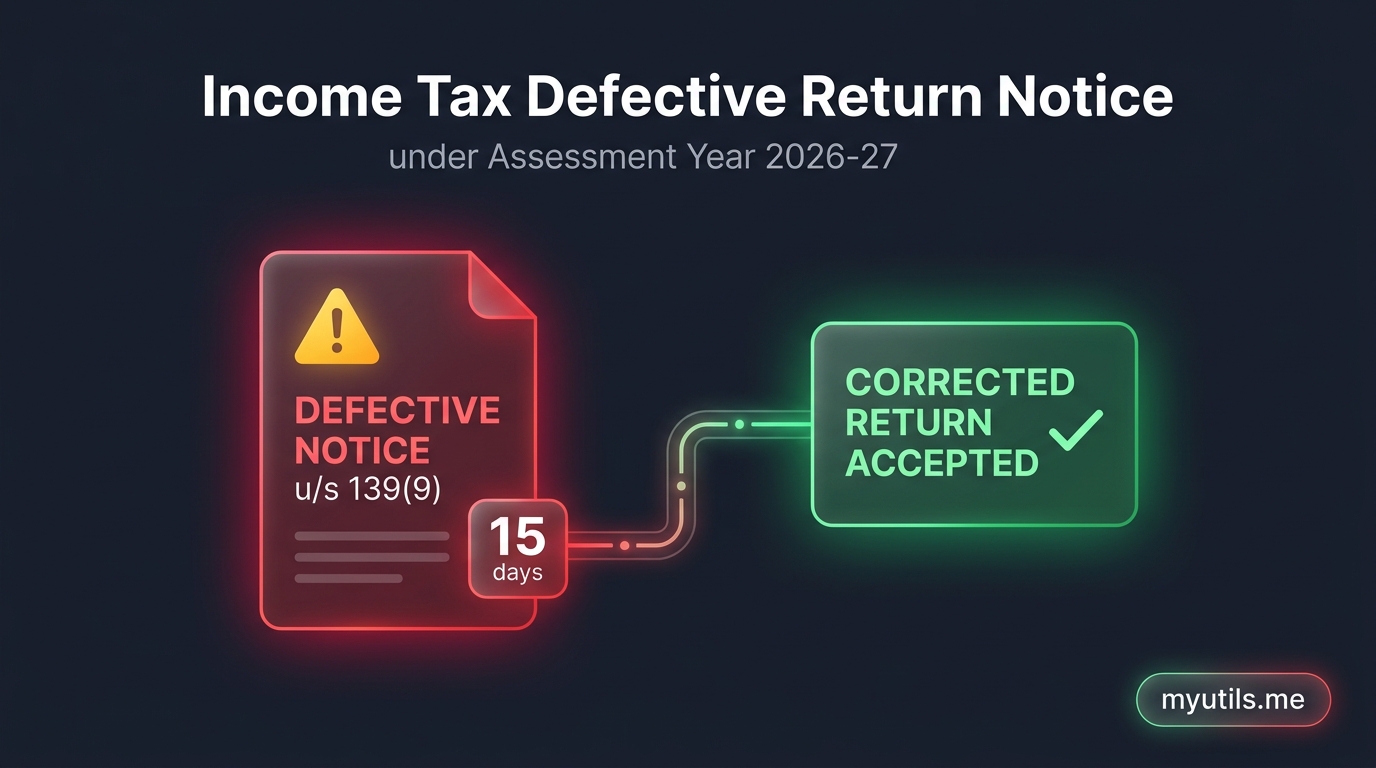
| Defective Return u/s 139(9) | CPC found errors. You must respond within 15 days. |

Top Reasons for Income Tax Refund Delays
If your refund is delayed past 4 to 8 weeks, here are the most common causes:
Bank Account Not Pre-Validated or Name Mismatch
Refunds are sent only to pre-validated bank accounts. If the name on your PAN does not match your bank account name, the transfer will fail.
- Fix: Log into the portal, go to Profile > My Bank Accounts, pre-validate your account, and turn on Nominated for Refund.
Discrepancy Between ITR and AIS or Form 26AS
If the tax credit or TDS claimed in your return does not match the figures in your Annual Information Statement (AIS) or Form 26AS, CPC pauses automated processing.
Outstanding Tax Demand from Previous Assessment Years
Under Section 245, CPC can adjust current refunds against unpaid tax demands from previous years.
Return Pending e-Verification
An ITR is not valid until e-verified. If you did not verify via Aadhaar OTP within 30 days of filing, processing will not start.
Return Picked for Manual Scrutiny
Returns with complex capital gains, high-value transactions, or large deductions may be routed to an Assessing Officer for manual review.
How to Submit a Refund Reissue Request
If your status shows Refund Unpaid or Refund Failed, submit a reissue request:
- Log in to the Income Tax e-Filing Portal.
- Go to Services > Refund Reissue.
- Click Create Refund Reissue Request.
- Select the failed refund record.
- Choose an active, pre-validated bank account.
- Verify with Aadhaar OTP. The department will re-credit the amount within 10 to 14 working days.

myutils.me
Official editorial and compliance research team at myutils.me, building automated tools for income tax return tracking, AIS/TIS reconciliation, and direct tax workflows.